The Zero-Inbox Strategy for Local Curators: Managing Hundreds of Tip-Offs Efficiently
Discover how local curators can apply the proven Zero-Inbox Strategy to conquer community tip-off overload, speed up editorial workflows, and build better local publications.
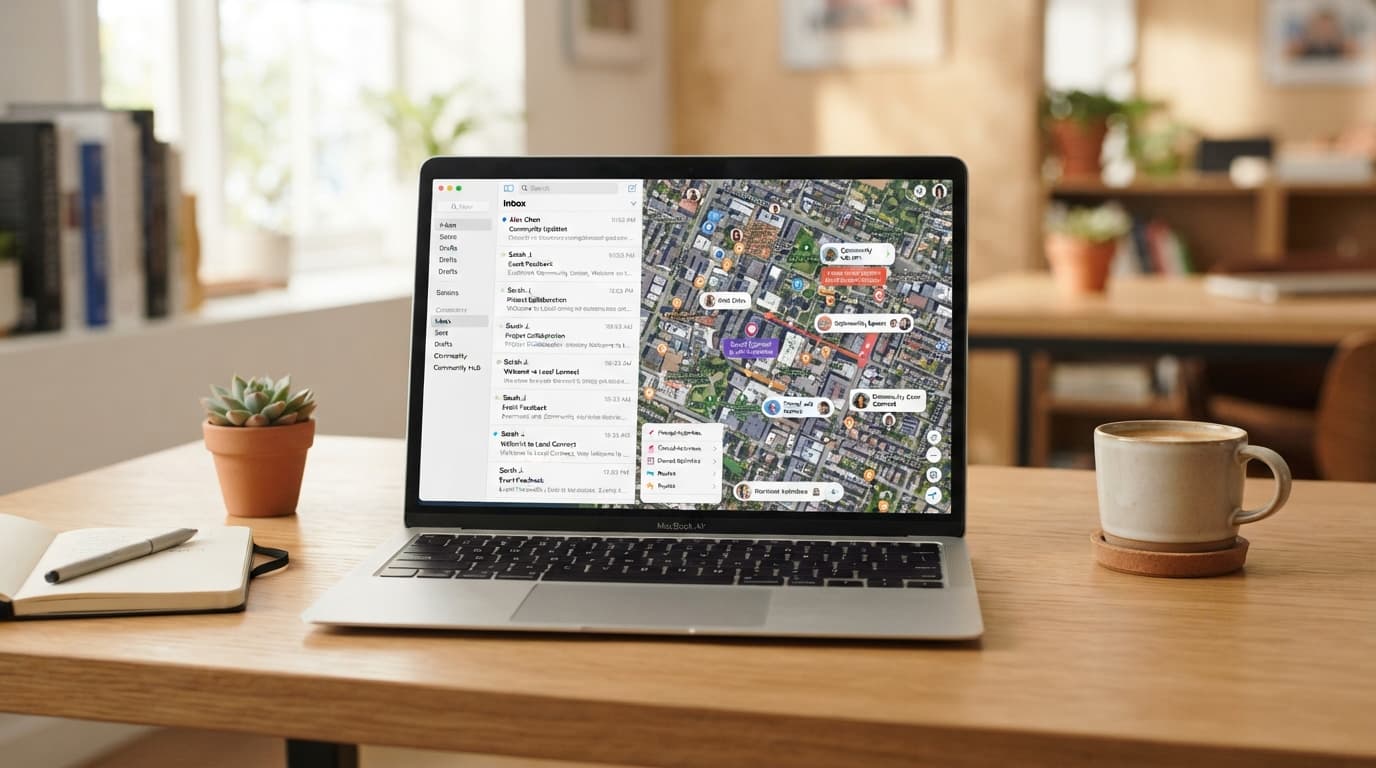
It starts at 6:00 AM with a trickle: an email about a pop-up bakery opening on Main Street, a direct message regarding a rescheduled city council meeting, and three contact form submissions detailing weekend farmers' market schedule changes. By noon, that trickle transforms into a torrent. For local curators, community journalists, and neighborhood newsletter editors, the inbox is both a lifeline and a bottleneck. It is the repository of every hyper-local tip, breaking story, press release, and community event—and without a system, it rapidly becomes a source of profound operational burnout.
When you are responsible for keeping a neighborhood, city, or district informed, missed information means missed coverage. Yet, spending four hours a day wading through unorganized emails leaves virtually no time for actual writing, field reporting, or engaging directly with your audience. This is where the Zero-Inbox Strategy comes in. Originally designed for corporate executive productivity, when adapted specifically for the chaotic reality of local content curation, Zero Inbox transforms an overwhelming stream of community noise into an organized, high-velocity publishing engine.
The Local Curator’s Dilemma: Triage vs. Fatigue
Local curation is fundamentally different from traditional desk journalism or corporate communication. The incoming material is wildly heterogeneous. In a single hour, a local curator might receive:
- High-Value Exclusive Tips: A photo from a reader showing a historic building being renovated for a new independent bookstore.
- Time-Sensitive Event Submissions: A local non-profit submitting their annual charity run details three days before the event.
- Hyper-Local Infrastructure Updates: Road closure notices sent by city transit authorities.
- Generic PR Pitches: Regional or national brands attempting to masquerade as local neighborhood news.
- Incomplete Community Signals: "Hey, something is happening near the park!" with no further context or imagery.
Without a defined framework, curators treat every item with equal cognitive weight. They open an email, read half of it, leave it in the inbox to deal with "later," move to the next item, and repeat the process dozens of times daily. This constant context switching leads to severe decision fatigue. More dangerously, valuable hyper-local stories get buried beneath low-priority noise, causing your publication to lose its competitive edge in timeliness and accuracy.
Deconstructing the Zero-Inbox Strategy for Community Media
The core philosophy of Zero Inbox is not about having zero emails in your primary folder at every second of the day; rather, it is about ensuring that your inbox functions purely as an entry port, never as a storage system or a to-do list. Every time you touch a community tip-off, you must make an immediate, definitive decision regarding its placement.
To successfully implement this for local content curation, we adapt Merlin Mann’s classic productivity framework into a five-action workflow tailored for community incoming streams: Delete (or Archive), Delegate, Respond immediately, Defer (Schedule), or Convert to Asset.
1. Delete or Archive (The 2-Second Filter)
Up to 40% of incoming local tip-offs do not belong in your primary evaluation pipeline. Spam, irrelevant national press releases, and duplicate event notices should be purged immediately. Train yourself to spot irrelevant content instantly. If a PR agency pitches a nationwide franchise promotion that has no specific, unique impact on your covered zip codes, archive or delete it without reading past the subject line. Aggressive filtering is not cold-hearted; it is essential preservation of your editorial bandwidth.
2. Delegate (Assigning the Story)
If you work with a team of freelance writers, community moderators, or volunteer beat reporters, your inbox is where assignment management begins. The moment a viable tip arrives that falls under a specific colleague's domain—such as a local high school sports score update or an environmental planning notice—it should be forwarded out immediately with a clear instruction, then archived from your main view. Do not let pending team assignments sit in your inbox waiting for a weekly meeting.
3. Respond (The 2-Minute Rule)
If a community tip requires a simple verification or a quick "Thank you, we are covering this!" and can be completed in under two minutes, do it immediately. Prompt responses build immense goodwill within local communities. Readers who feel heard become long-term sources and loyal advocates for your publication. Once sent, archive the thread.
4. Defer (Moving to the Editorial Calendar)
Many tip-offs are high quality but not immediately actionable. For example, a neighborhood festival scheduled three weeks from now is a great lead, but keeping the email sitting open in your inbox for twenty days guarantees it will cause mental clutter. Instead, extract the key metadata (Date, Time, Location, Contact) into your master editorial calendar, then archive the email. The inbox is cleared, and the story is safely staged for its appropriate production window.
5. Convert to Asset (Database Ingestion)
The ultimate goal for a modern local curator is converting unstructured inbox text into structured media assets. High-volume tip-offs should be immediately moved into a centralized repository where images, quotes, verified addresses, and category tags are systematically logged. This is the stage where raw community chatter becomes publishable content.
Setting Up Your Digital Triage Station: Folders, Rules, and Tags
To run a Zero-Inbox workflow efficiently without relying entirely on willpower, you must leverage structural email management systems. Setting up automated filtering rules acts as an invisible assistant that pre-sorts incoming community information before you even sit down at your desk.
Creating Tactical Folder Structures
Avoid complex, nested folder systems with dozens of subcategories. In a fast-moving local news environment, deep folder hierarchies become digital graveyards. Limit your core processing folders to five essential operational buckets:
- @Triage_Today: High-priority leads needing verification within 24 hours.
- @Events_Pending: Upcoming community listings that need scheduling.
- @Press_Releases: Official municipal and corporate announcements awaiting summary.
- @Community_Sourcing: User-submitted photos, quotes, and anecdotal leads.
- @Waiting_On: Messages where you have requested additional details from a source before moving forward.
Automating Incoming Streams
Implement automated filters based on common subject lines or sender types. For instance, automated press releases from city departments, police bladders, or transit agencies should bypass the primary inbox entirely and land directly into the @Press_Releases folder. Set aside specific, scheduled blocks during the day—such as 9:00 AM and 2:00 PM—to sweep through these pre-sorted folders in bulk, rather than being continuously interrupted by notifications throughout the day.
Standardizing Intake Forms to Reduce Inbox Friction
One of the largest contributors to inbox overload is poorly formatted incoming information. When a resident sends an email saying, "There's a block party this weekend on Elm Street, you should post about it!" the curator is forced to write back asking: Which Elm Street? What time? Is it public? Who is organizing it? Is there an official flyer?
To eliminate this back-and-forth email volley, replace raw public email contacts wherever possible with structured intake forms. By directing your community to a clear web form on your site, you enforce input data standards. Require essential fields such as:
- Exact physical address or localized neighborhood zone
- Event start and end timestamps
- High-resolution image uploads with proper licensing consent
- Organizer contact credentials for rapid verification
- Categorization tags (e.g., Food & Drink, Local Politics, Arts, Family)
When incoming community data arrives pre-formatted, processing time per tip drops from five minutes down to thirty seconds, dramatically accelerating your path to Zero Inbox.
The FluxLocal Advantage: Streamlining Local Content Operations
While strict habits and email rules can significantly reduce administrative overhead, traditional email clients were simply never built to handle modern, multi-channel community curation. Trying to manage incoming leads, format local event calendars, organize directory updates, and publish neighborhood guides through a basic inbox setup eventually hits a hard technological ceiling.
This is precisely where FluxLocal transforms the operational landscape for local publishers. Engineered explicitly for hyper-local curators, news creators, and neighborhood network operators, FluxLocal moves you away from chaotic inbox management entirely and into an integrated, purpose-built curation environment.
Instead of manually parsing incoming messages and copying data across disconnected calendar tools, spreadsheets, and CMS platforms, FluxLocal unifies your community signals into a single, intuitive dashboard. Community tip-offs, business submissions, and local event notifications flow directly into structured queues where they can be approved, enriched, tagged, and published with a few clicks. By automating the mechanical tasks of data collection and formatting, FluxLocal empowers local curators to focus on what actually matters: delivering impactful, high-quality, and deeply engaging stories to their readers.
Building Sustainable Editorial Habits for Long-Term Growth
Adopting a Zero-Inbox system is ultimately a operational discipline rather than a technical installation. To ensure your new workflow survives the demands of a fast-moving local news cycle, cultivate these foundational habits:
- Batch Process Twice Daily: Do not leave your inbox open in a browser tab all day. Constant visual pinging shatters deep focus. Check and sweep your inbox during two designated daily windows.
- Touch Each Email Once: When you open a message, process it immediately using the five core actions. Never close an email without moving it to its proper destination folder, calendar, or content pipeline.
- Leverage Canned Responses: Draft professional, standardized templates for common interactions, such as declining off-beat PR pitches, thanking readers for photo submissions, or explaining submission guidelines.
- Conduct a Weekly Audit: Spend 15 minutes every Friday reviewing your triage performance. Identify recurring sources of spam or incomplete tips, and adjust your intake forms or email filters accordingly.
Transform Community Noise into Editorial Impact
Local curation is the lifeblood of vibrant, connected communities. It gives local businesses visibility, keeps residents informed about decisions impacting their neighborhoods, and fosters a shared sense of civic pride. However, you cannot effectively serve your community if you are drowning in an unmanaged, chaotic inbox.
By implementing a structured Zero-Inbox Strategy—filtering aggressively, standardizing intake data, batching editorial tasks, and leveraging dedicated hyper-local technology platforms—you can reclaim hours of your day. Reclaim your calendar, eliminate editorial anxiety, and elevate your local platform into the definitive, go-to source for your community.
Ready to revolutionize your local curation workflow and eliminate inbox fatigue for good? Discover how FluxLocal can elevate your publication's operational efficiency today.
---CONTENT_END---