Master the Stream: Time-Saving RSS Hacks for Curating Local Government Updates
Keeping tabs on local city councils, zoning boards, and municipal announcements can feel like a full-time job. Discover how to tame the information flood using clever, automated RSS hacks that bring the most critical civic updates straight to your dashboard.
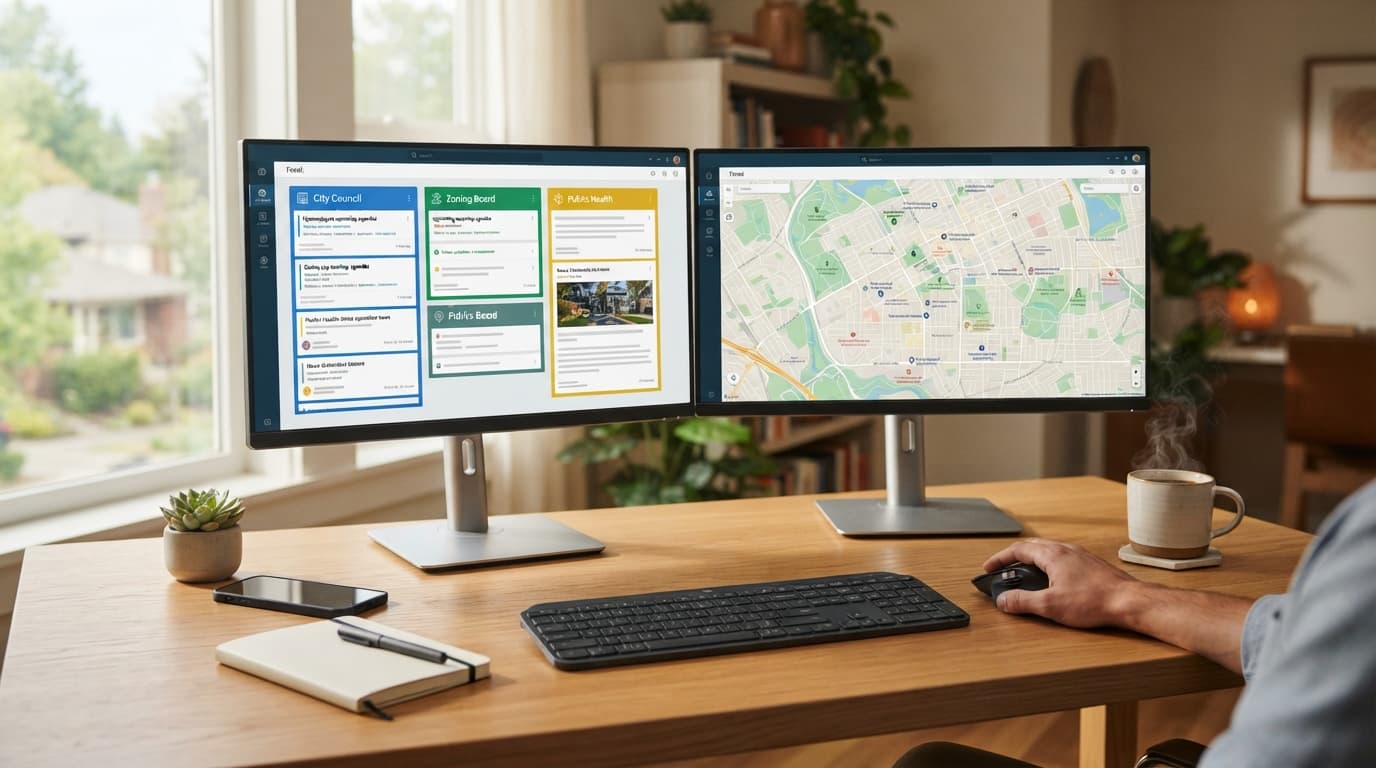
Imagine this scenario: It is Tuesday evening, and you want to know if the municipal planning board approved the new zoning variance for your neighborhood park, whether the local school district finalized its annual budget, or if the upcoming roadworks on Main Street will disrupt your morning commute. To find out, you navigate to five different municipal websites. Each one looks like it was designed in 2008, featuring nested menus, broken search bars, and obscure PDFs hidden deep within subdirectories.
Before you know it, an hour has vanished. You are frustrated, exhausted, and no closer to a clear picture of your community’s immediate future. This is the reality of modern civic engagement. While local governments are legally mandated to publish public notices, agendas, and minutes, they are rarely incentivized to make this information easy to find or digest.
Fortunately, you do not have to waste your evenings digging through outdated government portals. By leveraging the power of RSS (Really Simple Syndication) and combining it with modern automation tools, you can build a self-sorting, automated intelligence feed that delivers hyper-local government updates directly to you. In this guide, we will explore five time-saving RSS hacks to turn you into a neighborhood information powerhouse.
The Civic Information Challenge: Why RSS is Still King
In an era dominated by social media algorithms, RSS might seem like a relic of the early web. However, for civic curators, community journalists, and active citizens, it remains the absolute gold standard for information gathering. Social media platforms prioritize outrage, engagement metrics, and sponsored content over chronological municipal updates. If a local council posts an critical update about water safety, a Facebook algorithm might hide it beneath three-day-old memes.
RSS operates on a simple, pull-based architecture. It bypasses the algorithms entirely, delivering raw, chronological text and media updates the moment they are published. By mastering RSS, you gain control over your information diet, ensuring you never miss a critical public notice or policy shift.
Hack 1: Exposing and Extracting Hidden RSS Feeds
The first hurdle many civic curators face is that local government websites rarely display the familiar orange RSS icon. However, just because there isn't a visible button doesn't mean a feed doesn't exist. Many government websites run on modern Content Management Systems (CMS) like WordPress, Drupal, or Joomla, which generate RSS feeds automatically behind the scenes.
How to Find Hidden Feeds in the Page Source
You can often locate a hidden RSS feed by inspecting the underlying code of a municipal homepage or announcements portal. Here is how to do it:
- Navigate to the announcements or news page of your local municipality.
- Right-click anywhere on the page and select View Page Source (or press
Ctrl + Uon Windows,Cmd + Option + Uon Mac). - Use the search function (
Ctrl + ForCmd + F) and search for terms likerss,atom, orfeed. - Look for a line of code that looks like this:
<link rel="alternate" type="application/rss+xml" title="Feed" href="https://examplegov.com/feed/" />. - Copy the URL in the
hrefattribute. This is your direct pipeline to their updates.
Common CMS Feed Structures
If the source code search fails, you can try guessing the feed URL based on common CMS conventions. If you suspect the municipal site is built on WordPress, simply append /feed/ or /?feed=rss2 to the end of the news category URL. For Drupal sites, appending /rss.xml often yields positive results.
Hack 2: Turning Static Government Pages into Dynamic RSS Feeds
Unfortunately, some local governments rely on static HTML tables or legacy portals that do not generate RSS feeds natively. When you encounter a page that only updates manually—such as a PDF listing of weekly building permits or a static table of upcoming town halls—you can use web scraping tools to generate your own RSS feed.
Services like RSS.app, Feedity, or the open-source tool Huginn allow you to monitor changes on specific web pages. You simply input the URL of the static civic page, select the visual elements you want to track (such as the rows of a table or the headlines of an announcement list), and the tool generates a custom RSS feed for you.
Every time the municipality updates that static table, the scraping tool detects the structural change, parses the new text, and pushes a fresh item to your custom RSS feed. This hack allows you to monitor even the most technologically outdated municipal departments without ever visiting their websites manually.
Hack 3: The Art of the Keyword Filter (Taming the Flood)
Once you start collecting feeds from the city council, local police department, school board, and regional environmental protection agency, you might find yourself overwhelmed by the sheer volume of information. You do not need to read every single administrative staff promotion or routine road maintenance update. You need the high-impact stories.
This is where keyword filtering comes into play. Modern RSS readers like Feedly Pro, Inoreader, or NetNewsWire allow you to create sophisticated rule-based filters. Instead of reading everything, you can set up folders or rules that only flag articles containing specific high-value keywords.
Essential Civic Keywords to Monitor:
- Zoning & Development: "variance," "rezoning," "setback," "easement," "conditional use," "demolition."
- Financial Accountability: "budget," "allocation," "surplus," "audit," "tax rate," "bonds."
- Public Health & Safety: "advisory," "boil water," "outbreak," "ordinance," "curfew."
- Infrastructure: "tender," "contract awarded," "feasibility study," "bidding," "detour."
By applying these filters, you can parse hundreds of weekly updates down to a handful of highly relevant alerts. For example, you can set a rule that automatically highlights any post containing the word "rezoning" or "demolition" within your specific zip code, giving you early warning of major neighborhood changes.
Hack 4: Automating Notifications and Action Pipelines
An RSS feed is incredibly useful, but it still requires you to open your feed reader to check it. To take your curation to the next level, you can automate your notifications so that critical civic updates find you where you already spend your time.
By using integration platforms like Zapier or Make (formerly Integromat), you can connect your filtered RSS feeds to your preferred communication channels. Here are a few highly effective automation pipelines you can set up in under ten minutes:
- The Urgent SMS Alert: Set up a Zap that triggers whenever your custom municipal feed publishes an update containing words like "emergency," "boil water," or "evacuation." Zapier can parse the feed and send a text message directly to your phone.
- The Community Discord/Slack Bot: If you run a local neighborhood association or watch group, you can automatically stream new zoning applications or public meeting agendas directly into a dedicated Slack or Discord channel for your community to discuss in real-time.
- The Weekly Digest Email: Instead of receiving real-time interruptions, use a tool like Mailbrew or Inoreader to bundle all municipal updates from the week into a single, clean email newsletter sent to your inbox every Friday morning.
The FluxLocal Advantage
While mastering these RSS hacks will save you hours of individual research, civic engagement is ultimately a team sport. Keeping this valuable, curated information locked away in your private RSS reader limits its potential. To truly empower your community, these insights need a public forum where they can be discussed, analyzed, and acted upon.
This is where FluxLocal comes in. As a premier platform designed specifically for hyper-local community curation, FluxLocal allows passionate civic advocates, local journalists, and neighborhood leaders to bridge the gap between raw public data and active community engagement.
By taking the highly curated updates generated through your RSS feeds and sharing them on FluxLocal, you can transform complex municipal jargon into accessible, actionable insights for your neighbors. Whether you are highlighting a newly proposed housing development, sharing a school board budget summary, or calling attention to local environmental changes, FluxLocal provides the collaborative tools, discussion boards, and local reach needed to turn passive readers into active civic participants. Instead of shouting into the void of mainstream social media, your curated updates land directly in front of the people who care the most: your actual neighbors.
Conclusion: Empower Your Community Through Curation
Democracy functions best when citizens are informed, but the fragmentation of modern digital communication has made staying informed incredibly difficult. By taking control of your local information pipeline with RSS feeds, hidden source extraction, web scraping, and automated filtering, you reclaim your time while ensuring you never miss a vital civic moment.
Do not let important local decisions happen in the dark. Implement these RSS hacks today to streamline your workflow, and then head over to FluxLocal to share your discoveries, foster meaningful dialogue, and help build a stronger, more transparent, and more connected neighborhood.
---CONTENT_END---