Google News Optimization: How to Get Your Local Newsletter Archives Indexed
Turn your past newsletter issues into a search engine traffic magnet. Learn the exact technical and editorial steps to get your local newsletter archives indexed in Google News.
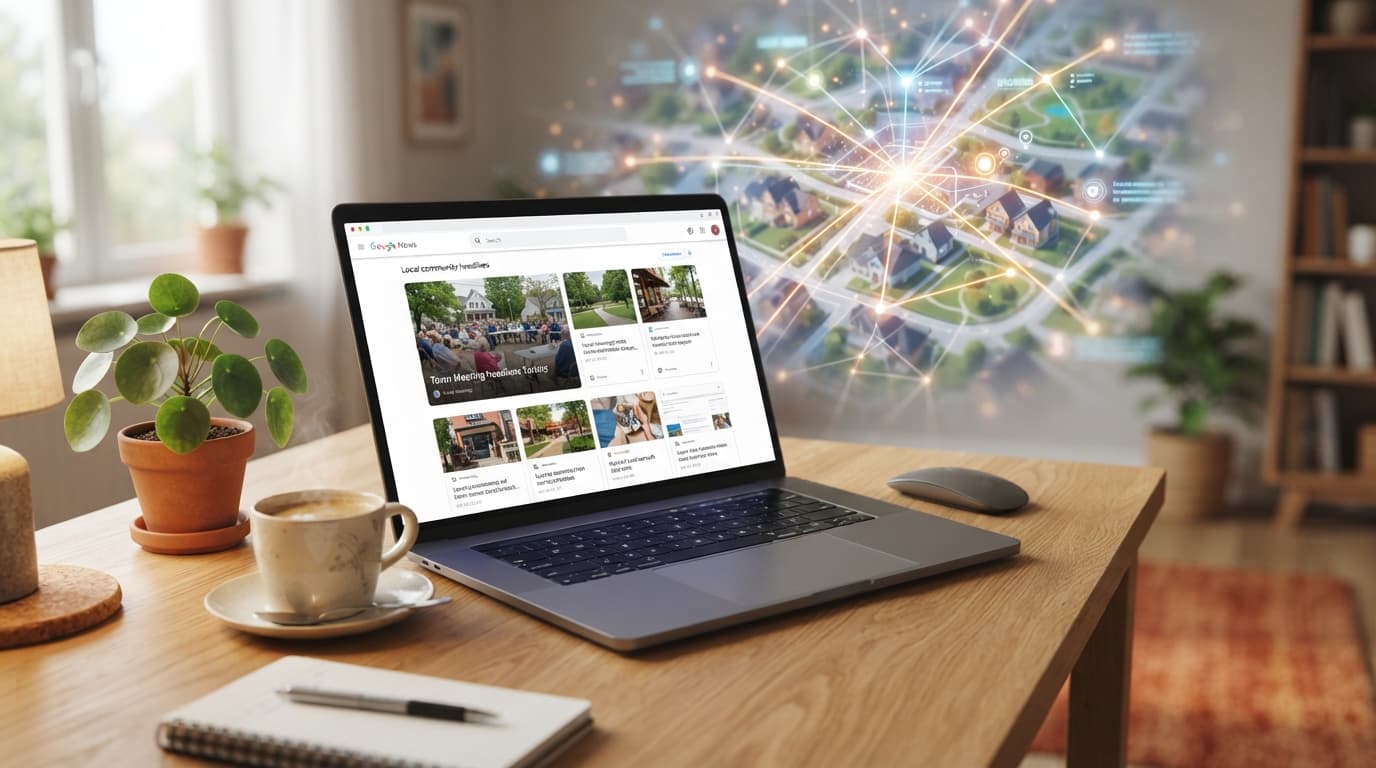
Every week, you pour your heart and soul into crafting the perfect local newsletter. You hunt down community updates, highlight neighborhood heroes, summarize city council decisions, and share must-attend weekend events. Your subscribers open it, read it, and love it. But once that email lands in the inbox, its lifecycle shouldn't end there. If you are hosting your newsletter archives online but they aren't indexed in Google News, you are leaving an enormous amount of local traffic, authority, and new subscribers on the table.
Google News is no longer reserved exclusively for massive national publications like The New York Times or CNN. Today, Google heavily prioritizes local, hyper-targeted news to satisfy users searching for what is happening in their immediate backyards. By optimizing your local newsletter archives for Google News, you can transform your past issues into organic search magnets that continually attract new community members. In this comprehensive guide, we will walk you through the exact technical, editorial, and platform-specific steps to get your local newsletter archives indexed and ranking.
Why Get Your Newsletter Archives in Google News?
Before diving into the technical blueprint, it is essential to understand the "why." Why should a local newsletter publisher care about Google News optimization? The answers lie in visibility, credibility, and compounding growth.
- Unlocking a Flow of High-Intent Traffic: When local residents search for news in their zip code or municipality, Google often displays a "Top Stories" carousel or directs them to the Google News tab. If your archived newsletter issues are indexed, your content can appear directly in front of these highly motivated local searchers.
- Accelerating Subscriber Growth: Unlike social media traffic, which is fleeting, search engine traffic consists of people actively looking for information. When a resident finds your highly detailed, localized archive page via Google News, they are far more likely to subscribe to get future updates directly in their inbox.
- Establishing Hyper-Local Authority: Google News indexing acts as a stamp of credibility. It signals to both readers and search engine algorithms that your publication is a trusted, timely source of original reporting for your specific geographic area.
Step 1: The Technical Prerequisites for Google News Indexing
Google News operates on strict technical criteria. Because newsletters are fundamentally built for email clients, their web-hosted archive pages often suffer from poor technical SEO. To ensure Google's crawlers can seamlessly parse and index your archives, you must audit your website's technical infrastructure.
1. Implement Static, Clean URLs
Google News crawlers need to find your articles easily. Your newsletter archive pages cannot rely on complex database queries or session IDs. Ensure each newsletter issue has a dedicated, permanent, and clean URL. For example, use example.com/news/east-side-zoning-meeting-october-2023 instead of example.com/archive?id=9482&session=true.
2. Ensure Fast Page Load Speeds
News is fast-paced, and Google expects news sites to load instantly. Optimize your web-hosted archives by compressing images, leveraging browser caching, and minimizing render-blocking JavaScript. Aim for excellent Core Web Vitals scores, particularly for Largest Contentful Paint (LCP) and Cumulative Layout Shift (CLS).
3. Produce Clean, Semantic HTML
Google's news bots read the HTML source of your page to understand the content. Make sure your web archives are rendered in clean HTML. The main article body should be in a single, contiguous block of text. Avoid breaking up your content with excessive non-article widgets, unrelated ads, or heavy JavaScript elements that load dynamically after the page renders.
Step 2: Editorial and Content Guidelines
Technical readiness is only half the battle. Google News enforces strict editorial standards. If your newsletter reads purely like a promotional flyer, an opinionated blog, or a curation of other people's links, it will likely be rejected. To satisfy Google's quality standards, your archives must showcase genuine journalism.
Establish Clear E-E-A-T
E-E-A-T stands for Experience, Expertise, Authoritativeness, and Trustworthiness. Google places immense weight on this framework for news content. To demonstrate E-E-A-T on your newsletter archive pages, you must:
- Include Bylines: Every newsletter archive page should clearly display the name of the author who wrote the piece. Anonymous or generic "Admin" bylines harm your credibility.
- Add Author Bios: Provide a brief bio at the bottom of the page explaining who the author is and their expertise in local affairs.
- Publish an Editorial Policy: Have an easily accessible page on your website detailing your corrections policy, editorial standards, and ownership transparency.
Focus on Originality and Local Reporting
Google News explicitly penalizes syndicated, scraped, or rewritten content. Your newsletter archives must contain original reporting. If you are covering a city council meeting, include your own takeaways, quotes you gathered, or unique syntheses of public records. Avoid simply copy-pasting press releases.
Implement Proper Datelines
Timeliness is the cornerstone of news. Google News needs to know exactly when an article was published. Ensure your archive pages feature a visible, clear date and time at the top of the article, ideally between the headline and the article body. Use schema markup to feed this data programmatically to search engines.
Step 3: Implementing News Article Schema Markup
Structured data is the language search engines use to understand the context of your webpage. For news organizations, implementing the correct schema is non-negotiable. By adding Structured Data (specifically NewsArticle schema) to your newsletter archive pages, you tell Google exactly what your content is about, who wrote it, and when it was published.
You can implement this using JSON-LD format. A standard schema markup block for your local newsletter archive should look similar to this:
{
  "@context": "https://schema.org",
  "@type": "NewsArticle",
  "headline": "City Council Approves New Downtown Green Space Project",
  "image": [
    "https://example.com/images/16x9/green-space.jpg"
  ],
  "datePublished": "2023-10-24T08:00:00+08:00",
  "dateModified": "2023-10-24T09:30:00+08:00",
  "author": {
    "@type": "Person",
    "name": "Jane Doe",
    "jobTitle": "Lead Local Reporter"
  },
  "publisher": {
    "@type": "Organization",
    "name": "The Community Voice",
    "logo": {
      "@type": "ImageObject",
      "url": "https://example.com/logo.png"
    }
  },
  "description": "A breakdown of yesterday's decision to convert the historic rail yard into a 10-acre public park."
}
By embedding this code into the header of your archived newsletters, you make it incredibly easy for Google News crawlers to parse, categorize, and feature your content in search results.
Step 4: Setting Up the Google Publisher Center
While Google News uses an automated system to discover and index news sites, submitting your publication via the Google Publisher Center is highly recommended. It gives you explicit control over your branding, helps Google understand your site structure, and allows you to submit custom RSS feeds of your newsletter archives.
How to Submit Your Newsletter Archives to Publisher Center:
- Go to the Google Publisher Center and sign in with your Google search console account.
- Click "Add Publication" and enter your basic details, including your website's URL.
- Verify ownership of your site through Google Search Console.
- Set up your "Sections." This is where you tell Google how to find your news content. You can submit the RSS feed of your newsletter archive (e.g.,
example.com/category/news/feed). - Upload your publication's visual assets, such as square and rectangular logos. Ensure they meet Google's exact size and transparency requirements.
- Fill out your contact information and submit the publication for review.
Once submitted, Google’s team will review your publication against their content and technical policies. The review process typically takes anywhere from a few days to a couple of weeks.
The FluxLocal Advantage
Optimizing your archives, maintaining clean code, managing RSS feeds, and configuring Google Publisher Center can feel overwhelming, especially when you are focused on reporting on your community. This is where FluxLocal comes in.
As a platform custom-built for local community organizations, independent local publishers, and hyper-local newsletters, FluxLocal streamlines the entire digital distribution process. When you use FluxLocal to power your community presence, your newsletter archives are automatically structured to meet Google's rigorous technical standards. From automated NewsArticle schema injection and lightning-fast page loading speeds to clean URL routing and optimized RSS generation, FluxLocal does the heavy lifting for you. This allows you to focus on what you do best: uncovering stories, building relationships, and writing incredible newsletters for your neighbors.
Step 5: Maximizing Local Authority Through Hyper-Local SEO
Once your archives are technically ready and submitted to Google, you need to help Google understand the geographic relevance of your content. Standard news focuses on global or national keywords; local news must dominate regional search terms.
Optimize for Local Entities
When writing your newsletter, explicitly mention specific local entities. Use full names of local parks, municipal buildings, local politicians, business owners, and street names. Instead of writing "the local library," write "the Jefferson Public Library on Main Street." This signals to Google’s Semantic Search engine exactly which physical community your content is relevant to.
Internal Linking and Category Organization
Do not let your archive pages exist in isolation. Create a structured category system on your website. Link older newsletter issues to newer ones when topics overlap. For example, if you write an update on a local development project, link back to the issue from three months ago when the project was first proposed. This internal linking structure distributes crawl equity and helps Google understand the depth of your local coverage.
Conclusion: Turn Your Inbox Value into Search Engine Equity
Your local newsletter is an invaluable resource for your community. It keeps people informed, connected, and engaged. But by limiting its reach to just the inbox, you are missing out on an untapped audience of local searchers actively looking for the very stories you write.
By optimizing your web archives for Google News through clean HTML, rigorous E-E-A-T compliance, proper structured schema, and a seamless Publisher Center setup, you can ensure your hard work lives on forever in organic search results.
Ready to simplify your local digital publishing strategy and get your community platform noticed by search engines? Let us handle the technical complexities. Discover how FluxLocal can elevate your local newsletter, streamline your archives, and boost your search visibility today.
---CONTENT_END---