From Idea to Issue #1: The Ultimate 7-Day Checklist for Launching Your Neighborhood Newsletter
Want to bring your community closer together? Follow this comprehensive 7-day checklist to go from a simple idea to publishing Issue #1 of your neighborhood newsletter.
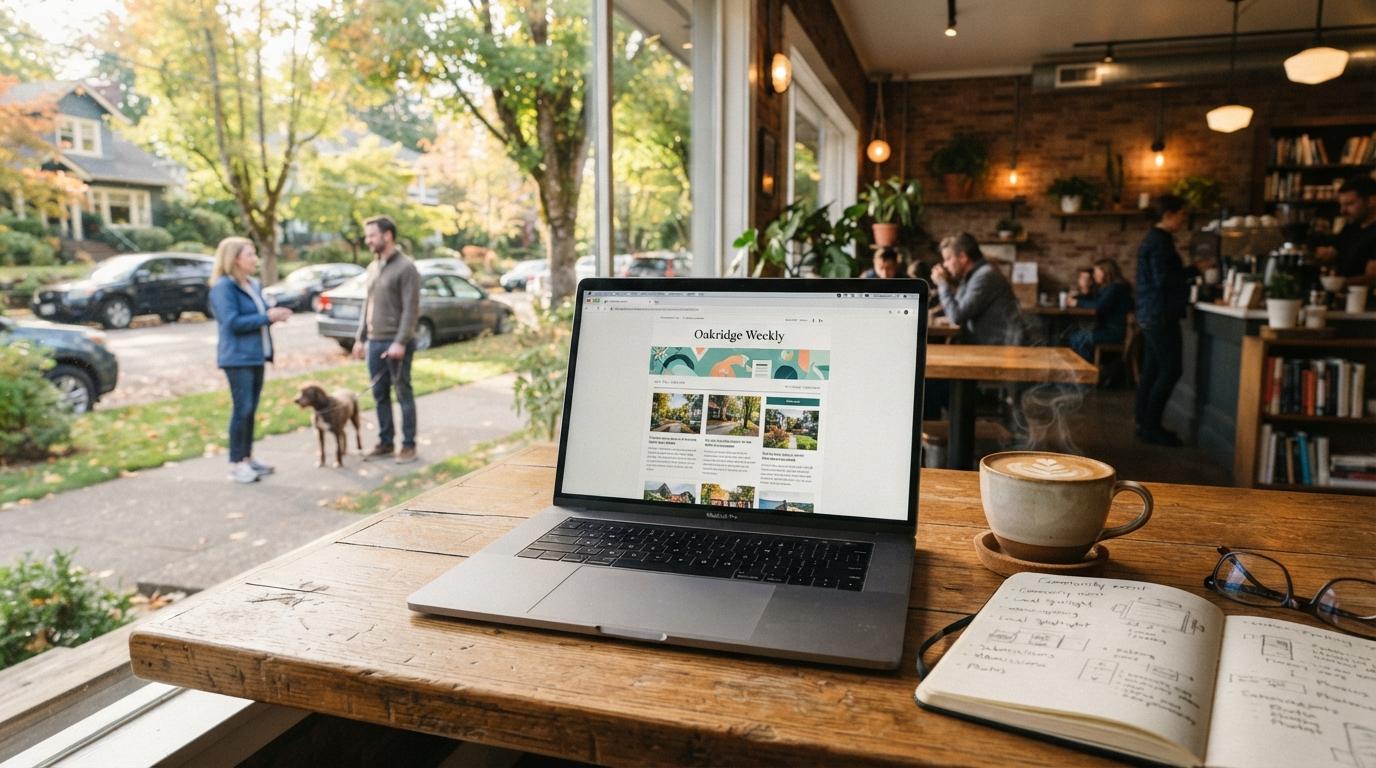
Every vibrant community has a heartbeat—a rhythm of block parties, new small business openings, lost pets found, town hall debates, and quiet acts of neighborly kindness. Yet, in our modern digital landscape, dominated by massive global social media platforms, hyper-local stories often get drowned out by algorithms, outrage, and noise. You might know what is happening halfway across the world, but have no idea why the street at the end of your block is closed, or who makes the best sour cherry pie at the weekend farmers' market.
Enter the neighborhood newsletter. A dedicated, curated local publication is one of the single most powerful tools for fostering civic pride, boosting local commerce, and building genuine human connection right where you live. Best of all, launching one doesn't require a degree in journalism or a massive budget—just passion, a bit of organization, and a clear execution plan.
If you have been harboring the idea of starting a newsletter for your neighborhood, HOA, or local business district, this comprehensive 7-day action checklist will guide you step-by-step from an initial spark of inspiration to hitting "Send" on your very first issue.
Day 1: Define Your Vision, Scope, and Audience
Before you draft a single sentence or design a logo, you need absolute clarity on why your newsletter exists and who it serves. Attempting to be everything to everyone leads to burnout and a diluted publication.
1. Identify Your Geographical Boundary
Specificity is your superpower. Define the exact scope of your newsletter:
- Is it a specific subdivision or homeowners association (e.g., 300 homes)?
- A distinct commercial corridor or historic district?
- A broader town or zip code that lacks reliable local media coverage?
2. Establish Your Core Mission
Ask yourself: What gap does this newsletter fill? Is your goal to keep parents informed about school events? To highlight local businesses? To archive local history? Write a one-sentence mission statement. For example: "The Maplewood Monitor delivers weekly, bite-sized updates on local government, upcoming community events, and small business spotlights for residents of Maplewood."
3. Choose Your Tone and Format
Decide whether your voice will be casual and friendly, editorial and journalistic, or strictly informative. Choose your standard issue length—a quick 3-minute read usually performs best for busy neighbors.
Day 2: Curate Core Content Categories
The most common fear prospective creators face is running out of things to say. You can eliminate this anxiety entirely by creating a recurring content framework. When your newsletter has consistent "buckets," writing each issue becomes a simple game of fill-in-the-blanks.
Essential Neighborhood Content Buckets
Aim for 4 to 6 recurring sections in your layout. Consider incorporating these crowd favorites:
- The Local Pulse: 2–3 major news updates (e.g., road construction schedules, upcoming city council votes, park renovations).
- Event Radar: A chronological list of weekend events, garage sales, library story times, and high school sports games.
- Neighbor Spotlight: A brief Q&A with a long-time resident, a talented local artisan, or a heroic community volunteer.
- Small Business Corner: A quick feature on a neighborhood shop, restaurant special, or service provider.
- Classifieds & Utility: Lost pets, recommendations for reliable plumbers, or items being given away for free.
- Photo of the Week: A striking photo submitted by a resident showcasing local scenery or community life.
Day 3: Set Up Your Technical Foundation
Day 3 is all about infrastructure. You need a platform that makes sending, managing subscribers, and layout creation effortless. You also need a brand identity that looks clean and trustworthy.
1. Brand Your Newsletter
Pick a memorable name that pairs your neighborhood’s name with a classic publishing term (e.g., The Sunnyside Signal, Highland Park Digest, or The Main Street Minute). Use free visual design tools to create a simple, high-resolution header logo.
2. Select the Right Platform
Avoid sending bulk emails from your personal inbox—this violates spam laws and will quickly get your account blacklisted. Instead, choose a modern distribution tool built specifically for hyper-local communications and community growth.
3. Establish Legal Compliance
Ensure your sign-up process includes a clear privacy policy, and verify that your outgoing emails automatically include an easy, one-click unsubscribe link to comply with international anti-spam regulations (CAN-SPAM, GDPR).
Day 4: Gather Content and Draft Issue #1
Now comes the fun part: bringing your first issue to life. Because this is your inaugural edition, keep the content exceptionally engaging, positive, and forward-looking.
1. Write a Warm Welcome Note
Use your intro section to introduce yourself, explain why you started the newsletter, and outline what readers can expect in their inboxes every week or month.
2. Source Local Information
You don't need to break ground-shattering investigative news. Browse local government agendas, check community center bulletin boards, talk to local shop owners, and look at neighborhood social media groups to gather accurate, timely facts.
3. Edit for Brevity and Formatting
Remember that most of your neighbors will read your newsletter on a smartphone while sipping morning coffee or waiting in line. Make your content easily skimmable:
- Use short, punchy paragraphs (2–3 sentences max).
- Incorporate bold text for key details like dates, times, and addresses.
- Include clear hyper-links for RSVP pages and external sources.
Day 5: Proofread, Layout, and Test
A polished, error-free newsletter builds immediate trust. Day 5 is dedicated entirely to quality control and visual refinement.
1. Conduct a Thorough Proofread
Check for typos, but pay extra attention to local specifics: Are names spelled correctly? Are event times accurate? Do street addresses match physical locations?
2. Mobile Optimization Check
Send a test email to your own inbox and open it on your smartphone. Verify that your images load quickly and scale properly, text size is comfortably readable without zooming, and buttons or links are easy to tap with a thumb.
3. Craft a High-Converting Subject Line
Your subject line dictates whether your email gets opened or ignored. Avoid generic titles like "Newsletter #1." Instead, use localized urgency and curiosity:
- "The Oakridge Minute: Weekend Farmers Market Returns + Park Upgrades"
- "What’s opening on 5th Avenue? Plus local weekend events"
Day 6: Execute Your Subscriber Acquisition Strategy
A great newsletter needs readers. Before sending your inaugural issue, spend Day 6 gathering your initial core subscriber base. Start with low-hanging fruit and expand outward.
1. Tap into Existing Local Networks
Share your sign-up link across local channels where neighbors already gather:
- Post a friendly introduction on community message boards and local Facebook groups.
- Share the link on your personal social media profiles.
- Email friends, family, and direct neighbors, inviting them to join.
2. Go Offline (Physical Outreach)
Hyper-local newsletters benefit greatly from old-school offline marketing. Print simple flyers featuring a bold headline and a custom QR code leading directly to your sign-up page. Post these on bulletin boards at local coffee shops, libraries, fitness studios, and community centers (always ask permission first!).
3. Offer a Simple Incentive
Give neighbors a reason to subscribe immediately. Consider launching a small giveaway—such as a $25 gift card to a favorite local coffee shop—drawn from the first 50 subscribers.
Day 7: Launch Issue #1 and Evaluate Results
The day has arrived! It’s time to hit send and launch your publication into the world.
1. Pick the Right Send Time
For neighborhood newsletters, early morning hours (6:00 AM – 8:00 AM) on Tuesday, Thursday, or Saturday tend to yield the highest open rates. Experiment to see when your local community is most responsive.
2. Track Initial Engagement Metrics
Once sent, monitor your dashboard over the next 24 to 48 hours. Pay close attention to key performance indicators:
- Open Rate: A healthy hyper-local newsletter should aim for an open rate of 40% to 60% (well above standard email marketing averages).
- Click-Through Rate (CTR): Which links received the most attention? This reveals what content your readers care about most.
3. Ask for Direct Feedback
Include a simple line at the bottom of your issue: "Got a story tip, photo, or feedback? Just hit reply to this email!" Engaging directly with early respondents turns passive readers into passionate co-creators.
The FluxLocal Advantage
While standard email marketing platforms exist for e-commerce and corporate marketing, building a hyper-local publication requires tools tailored specifically to modern community ecosystems. This is where FluxLocal transforms the newsletter creator experience.
FluxLocal is an all-in-one platform built specifically for local media creators, neighborhood organizers, and community entrepreneurs. Instead of wrestling with complex email builders and fragmented subscriber management tools, FluxLocal provides a streamlined, intuitive dashboard tailored for hyper-local publishing.
With FluxLocal, you gain access to powerful community-building features:
- Hyper-Local Layout Templates: Pre-designed, mobile-responsive layouts tailored specifically for neighborhood event calendars, business directories, and local news roundups.
- Interactive Community Feedback: Built-in polls, event RSVP tracking, and reader submission forms that make gathering local stories simple.
- Monetization Infrastructure: Easily support your work by managing local sponsorships, business directory listings, and paid subscriptions directly within the platform.
- Seamless Growth Tools: Embedded sign-up widgets, custom QR code generators, and built-in viral referral mechanics designed to spread your newsletter organically throughout your neighborhood.
Your Neighborhood is Waiting
Building a successful neighborhood newsletter doesn't require a full editorial team—just a passionate individual equipped with a practical plan. By breaking the process down into seven focused, daily tasks, you can transform your initial idea into a thriving local media property in just one week.
A connected neighborhood is a safer, happier, and more vibrant place to live. Take the first step today, empower your community, and start shaping the local narrative your neighborhood deserves.
Ready to launch your neighborhood newsletter with ease? Head over to FluxLocal today to set up your account, access tailored hyper-local templates, and publish your first issue with confidence!
---CONTENT_END---